by learnformula
search
For Business
Team license & compliance management
For Higher Education
Academic partnerships
For Government Agencies
Government training solutions
For Instructors & Course Creators
Teach on our marketplace
Become a Sponsor
Reach professionals where they learn
Log inStart 7-Day Free TrialStart Free TrialStart Free Trial
search
  1. Courses
  2. /Communication
  3. /Presentation Skills

Mastering Mentimeter for Virtual Classrooms

Transform your online teaching with interactive engagement strategies and seamless platform integration.
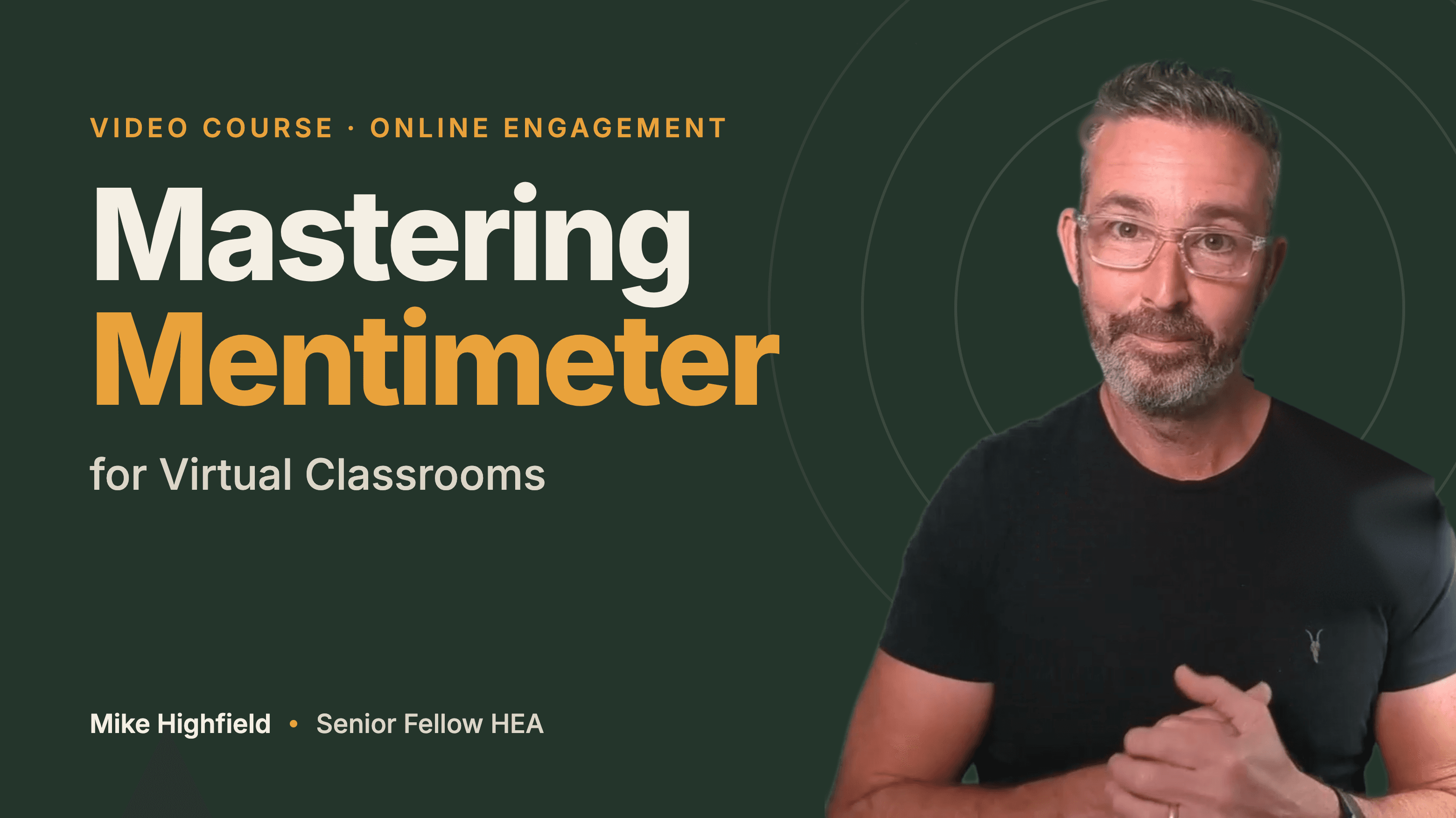
Created byMichael Highfield
BeginnerUpdated Oct 22, 2026
Mastering Mentimeter for Virtual Classrooms

What You'll Learn

  • check_circleApply instructional design principles to structure online teaching sessions
  • check_circleConfigure Mentimeter interactions to align with specific learning objectives
  • check_circleOptimize screen layouts for Zoom, Microsoft Teams, and Google Meet
  • check_circleDesign effective slide templates for seamless audience engagement
  • check_circleManage participant orientation and technical readiness in virtual environments

About This Course

This course provides a comprehensive framework for integrating Mentimeter into live online teaching sessions across major video conferencing platforms. It covers instructional design principles, activity planning, and the technical configuration required to maintain audience engagement in virtual environments. Participants learn how to structure presentations using common software like PowerPoint, manage screen layouts for various conferencing tools, and prepare audiences for interactive participation. The material focuses on creating a professional, confident, and highly interactive online learning experience.

Topics Covered:

  • Instructional design principles for synchronous learning
  • Activity planning for diverse audience sizes
  • Presentation software integration and slide templates
  • Mentimeter interface and interaction types
  • Screen sharing configurations for Zoom, Teams, and Meet
  • Audience orientation and engagement techniques
  • Technical setup for interactive sessions

Your Instructor

Michael Highfield

Senior Fellow, Higher Education Academy

menu_book1 courses

Twenty five years designing learning: the high school classroom, my own courseware company, 8 years in Higher Education then over a decade in Ed Tech at Blackboard. I'm a Senior Fellow of the HEA, and my online courses have reached thousands of learners. Now AI sits at the centre of my practice. I build AI tools for instructional design, and this course shows you how I do it.

Credit Information

What Students Are Saying

0.0 out of 5
Student's Choice
0 reviews

Frequently Asked Questions

We are a registered provider with 300+ associations and regulatory bodies worldwide. We operate across 27 global markets including Canada, the US, Australia, and the UK. Every course page clearly displays its specific accreditations. Upon completion, you receive a professional certificate that can be validated online. Our certificates include all necessary accreditation details, credit hours, and completion dates, and are formatted specifically to meet the submission requirements of most global regulatory bodies.

You May Also Like

  • Accounting & Tax: Technology for Accountants

    Claude Cowork in Practice: Advanced Workflows for Accountants

    starRated5.0out of 5,(295 reviews)
    2.5 CPD hrs
  • Ethics: Business Ethics

    2026 Ethics and Corporate Compliance

    starRated5.0out of 5,(494 reviews)
    2 CPD hrs
  • Accounting & Tax: Technology for Accountants

    Claude Fundamentals for Accountants (2026 Update)

    starRated5.0out of 5,(579 reviews)
    2.5 CPD hrs