by learnformula
search
For Business
Team license & compliance management
For Higher Education
Academic partnerships
For Government Agencies
Government training solutions
For Instructors & Course Creators
Teach on our marketplace
Become a Sponsor
Reach professionals where they learn
Log inStart 7-Day Free TrialStart Free TrialStart Free Trial
search
  1. Courses
  2. /Office Productivity
  3. /Data Analysis & Visualization

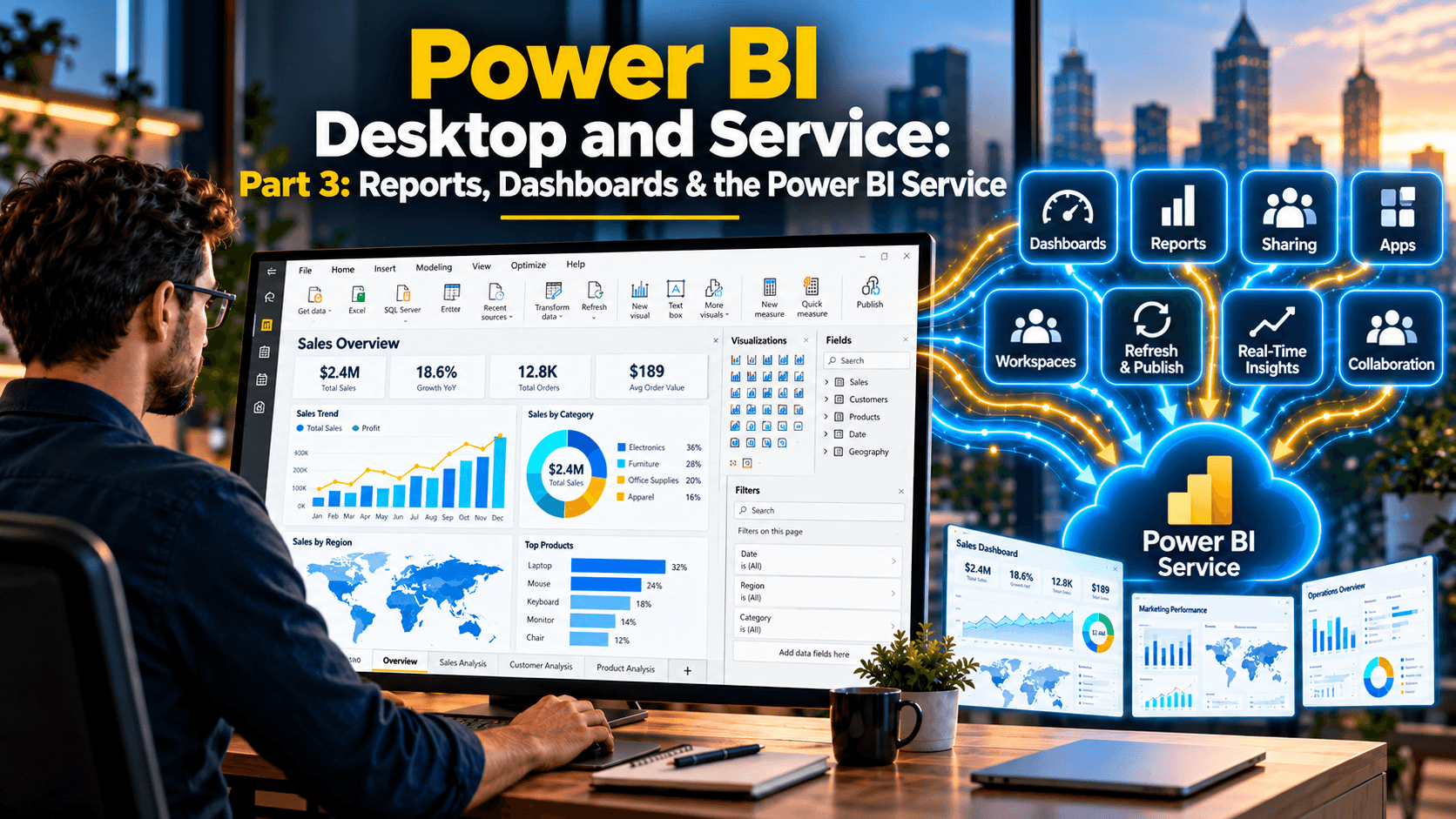
Power BI Desktop and Service Part 3: Reports, Dashboards & the Power BI Service

Design interactive Power BI reports, then publish, share and refresh them as dashboards and apps in the Power BI service
Created byGrant Gamble
IntermediateUpdated Oct 24, 2026
Power BI Desktop and Service Part 3: Reports, Dashboards & the Power BI Service

What You'll Learn

  • check_circleDesign report pages with cards, KPIs, gauges, treemaps and synchronized slicers
  • check_circleAdd drill-down, drill-through and tooltip pages for deeper data exploration
  • check_circleCreate dynamic titles and conditional formatting with DAX measures
  • check_circlePublish reports to the Power BI service and build branded dashboards
  • check_circleShare content securely through workspaces, apps and individual sharing
  • check_circleCreate mobile layouts and configure an on-premises gateway for scheduled refresh

About This Course

Turn your Power BI data model into polished, interactive reports, then take them online. In this third and final part of the Power BI Desktop and Service series, you design report pages with cards, KPIs, gauges and treemaps, add drill-down, drill-through and tooltip pages, and use DAX to create dynamic titles and conditional formatting. You then publish to the Power BI Service, build dashboards, share content through workspaces and apps, design layouts for Power BI Mobile, and keep everything current with an on-premises data gateway.

This is a hands-on course: every file used in the videos is included in the course download, so you can follow along step by step.

Topics Covered:

  • Big picture visuals: cards, KPIs, gauges and horizontal slicers
  • Drill-down, drill-through pages, Top N analysis and tooltip pages
  • Trend lines, hierarchical slicers and synchronized slicers
  • Dynamic titles with SELECTEDVALUE and conditional formatting rules and measures
  • Publishing reports to My Workspace and app workspaces
  • Creating, branding and pinning content to dashboards
  • Workspace permissions, publishing and updating apps, and sharing items
  • Mobile layouts for reports and dashboards
  • Configuring an on-premises data gateway and SQL Server data source for refresh

The Power BI Desktop and Service Series

  • Part 1: Get and Transform Data – connecting to data and shaping it with Power Query
  • Part 2: Data Modelling and DAX – relationships, star schemas and DAX measures
  • Part 3: Reports, Dashboards & the Power BI Service – this course

Each part stands on its own, but taking them in order gives you the complete journey from raw data to shared, refreshing dashboards.

Your Instructor

Grant Gamble

CEO of AI Awareness Limited | 25+ years in IT training | Helping non-technical professionals go from AI-curious to AI-confident

menu_book8 courses
star4 reviews

Grant Gamble has spent over 25 years in IT and technology training, working with businesses across the UK on practical AI adoption. He is CEO of AI Awareness Limited and founder of G Com Solutions Limited, and specialises in helping non-technical professionals move from AI-curious to AI-confident through hands-on, domain-specific training and certification. Grant's view is that AI is not a single tool but a set of capabilities spread across every department, often underused or ungoverned. The organisations making real progress are not the ones running generic awareness programmes; they are the ones mapping specific AI capabilities to specific workflows and giving their people the time and permission to use them. His courses take exactly that approach. His teaching covers practical AI literacy for non-technical professionals, AI skills and workforce readiness, and the governance and responsible use of AI at work. Expect a hands-on style: real business examples, clear explanations of why each technique works, and skills you can apply to your own work straight away.

Credit Information

What Students Are Saying

0.0 out of 5
Student's Choice
0 reviews

Frequently Asked Questions

We are a registered provider with 300+ associations and regulatory bodies worldwide. We operate across 27 global markets including Canada, the US, Australia, and the UK. Every course page clearly displays its specific accreditations. Upon completion, you receive a professional certificate that can be validated online. Our certificates include all necessary accreditation details, credit hours, and completion dates, and are formatted specifically to meet the submission requirements of most global regulatory bodies.

You May Also Like

  • Accounting & Tax: Technology for Accountants

    Claude Fundamentals for Accountants (2026 Update)

    starRated5.0out of 5,(593 reviews)
    2.5 CPD hrs
  • Ethics: Business Ethics

    2026 Ethics and Corporate Compliance

    starRated5.0out of 5,(509 reviews)
    2 CPD hrs
  • Accounting & Tax: Technology for Accountants

    AI for Advanced Accounting Research

    starRated5.0out of 5,(357 reviews)
    1.5 CPD hrs