
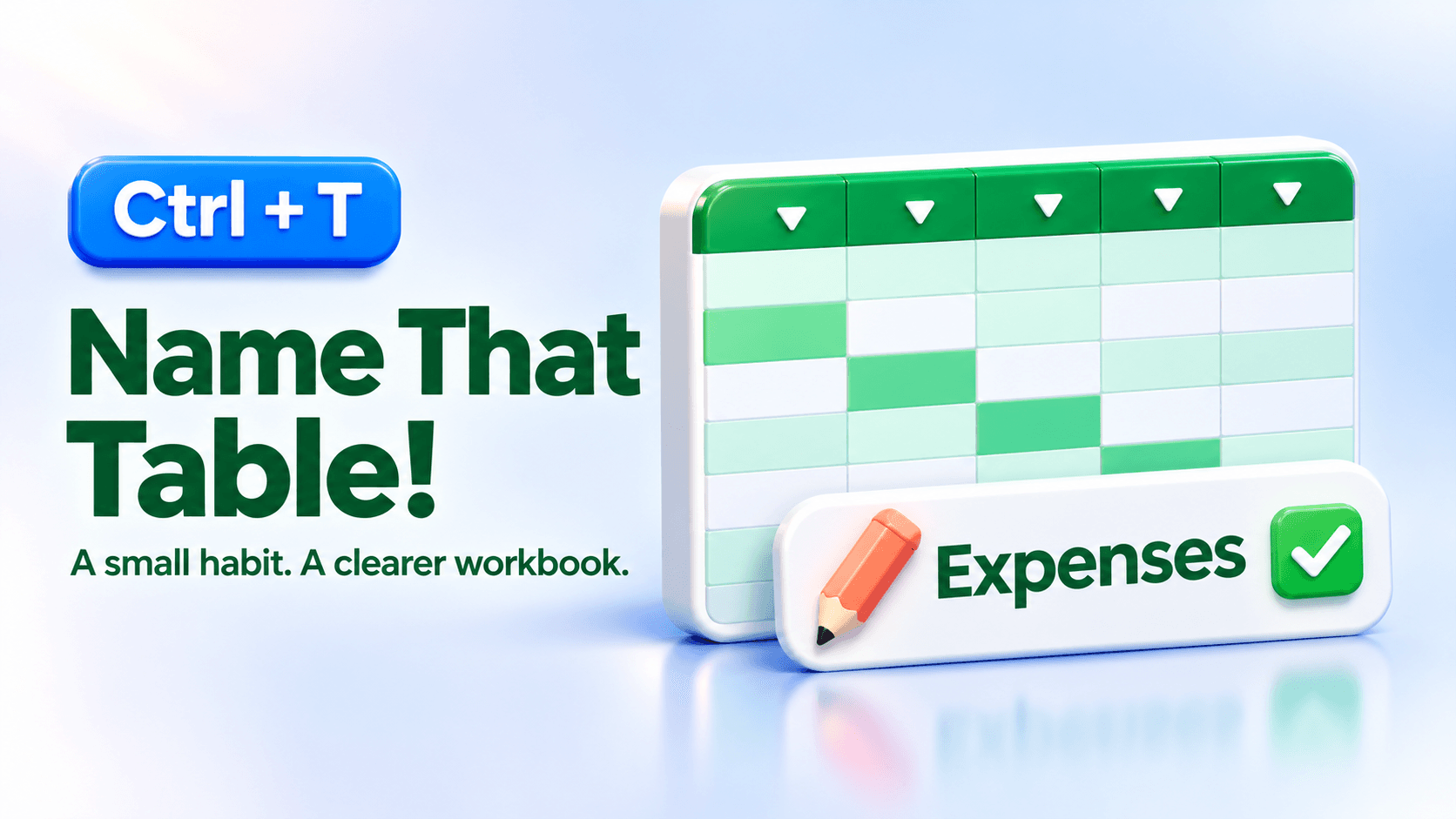


It took me years to appreciate naming Excel tables. It even took me a while to realize I could! That’s why I teach the basics.
Microsoft has introduced table naming during creation for Excel Insiders:
- Click inside your data and press Ctrl+T.
- Confirm the range and headers, then enter a clear name like Expenses.
- Click OK. Done!

Clear names make formulas easier to understand. One small habit you can use today.
No name field yet? Use Table Design to name it after creation.
Ready to put Excel Tables to work? Join me in Excel Tables: Manage and Analyze Data Like a Pro for practical, step-by-step lessons you can use right away.
Don’t get mad…get skills! 🤙
Screenshot credit: Microsoft Excel Blog.